An All-Zero Display Does Not Name One Failed Part
One Monogram showed 00 00 after new electronics; another warm unit showed 000 while settings would not respond. Together they point to board, panel, connection and exact-model verification—not an automatic parts order.
Case one: zeros after two electronic parts
The physical model label read ZIFS360NXLH. The refrigerator did not cool, control board WR55X10922 was replaced and cooling returned, but the panel remained dark. After panel WR55X10927 was installed, the display showed 00 00.
The parts-catalog screenshot instead showed ZIFS360NXALH, with an additional A. The discussion then split between two unconfirmed branches: the electronics required a model-specific setup code, or a board had been selected for the wrong exact model. Connections also required rechecking.
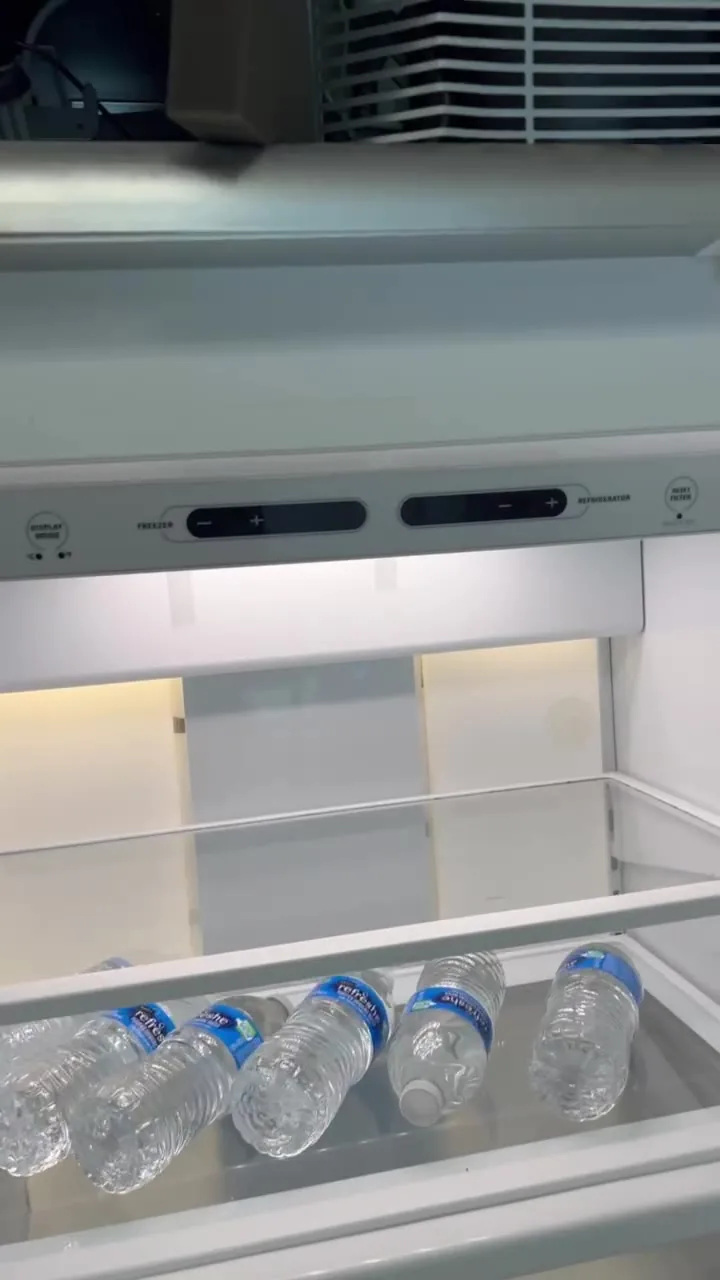
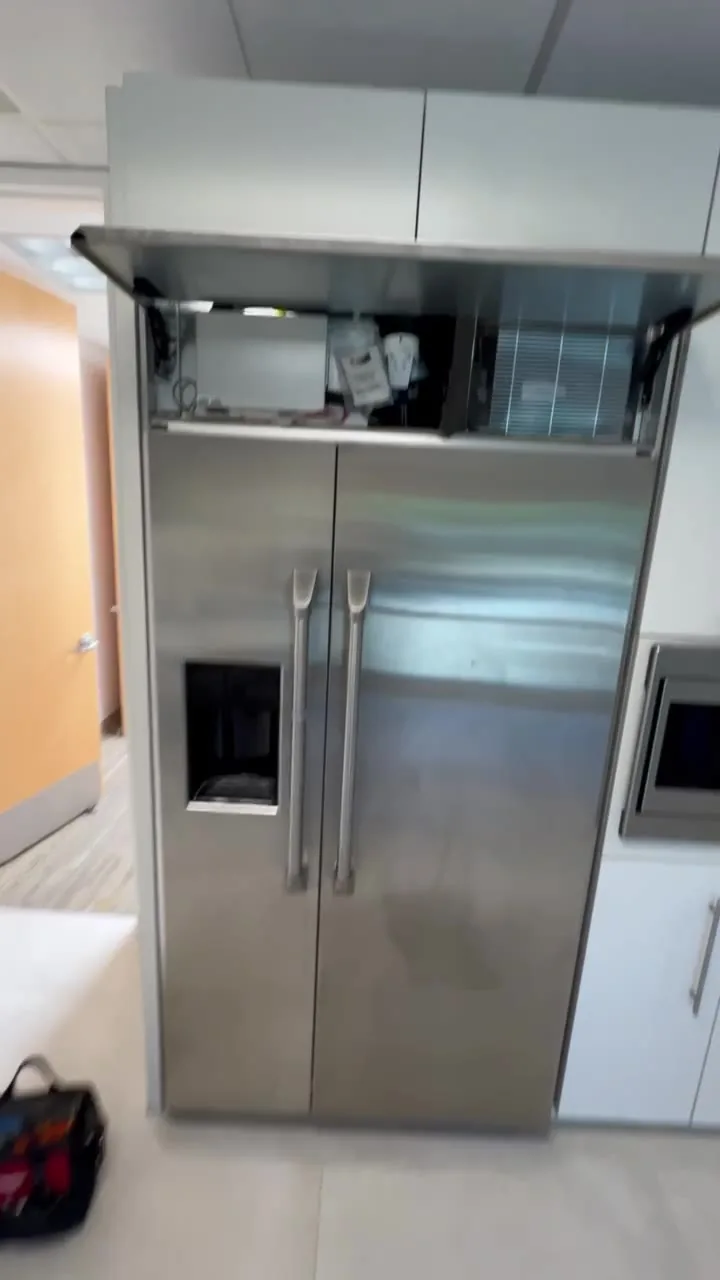
Case two: 000 with a warm refrigerator
In the second discussion the compressor was not operating, the refrigerator was warm and the display beeped and showed zeros when settings were changed. Technicians leaned toward the control and display rather than an inverter, but neither part was tested or reported fixed.
A similar symptom can have a different cause on another Monogram. These cases establish a control/display diagnostic area, not a universal meaning for every zero pattern.
What should be verified before another board
- Record the full model exactly, including every letter and suffix.
- Preserve original and replacement board and panel part numbers.
- Recheck every connector disturbed during the repair.
- Confirm from exact technical information whether that board requires setup.
- Separate a display problem from actual compressor and cooling commands.